Designing for iOS: How Apple’s HIG Changed the Way I Think About UI
|
Viraj Singh

Introduction
I’ve been developing mobile applications in Flutter for about three years now. Over that time, I’ve built a wide range of UIs from eCommerce and medical apps to grocery, home automation, and HR management systems. But I’ve always had this curiosity about SwiftUI Apple’s modern way of building native iOS apps.
At Ambibuzz, the company I work for, we have a two-day “learning window” in each two-week sprint (thank you, Ambibuzz!). My team lead and I decided to make use of that time to finally dive into SwiftUI.
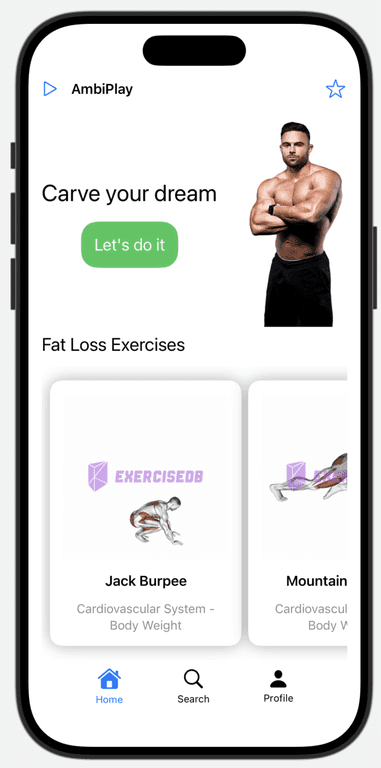
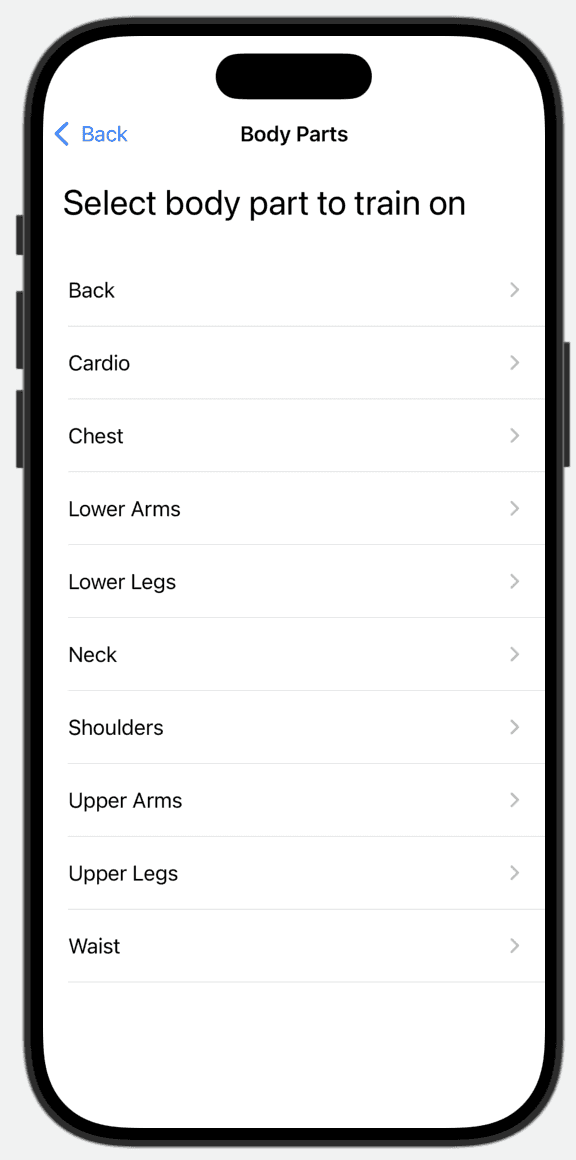
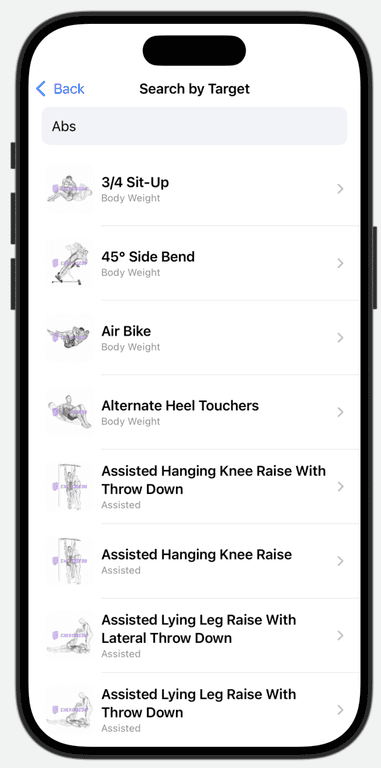
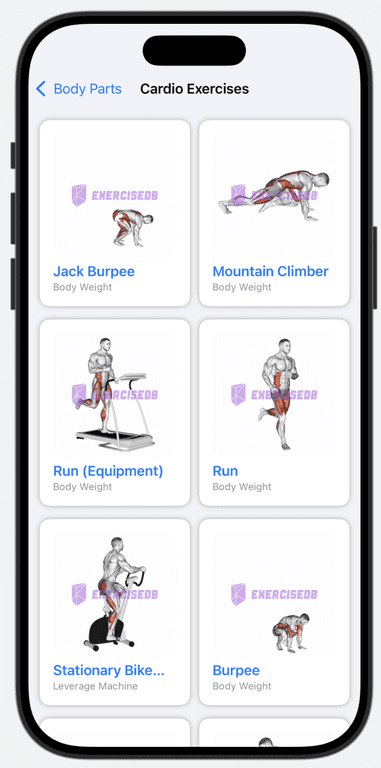
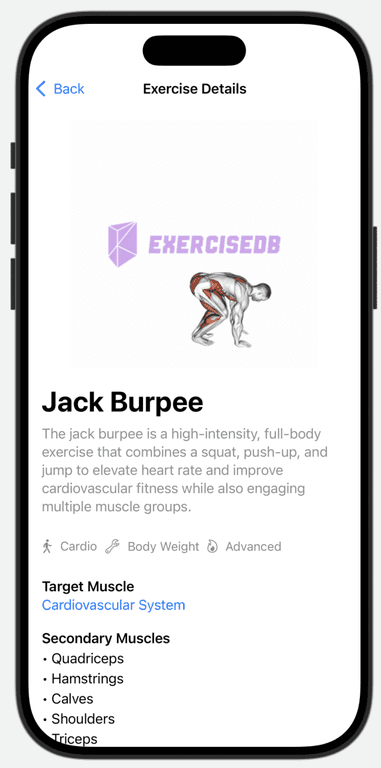
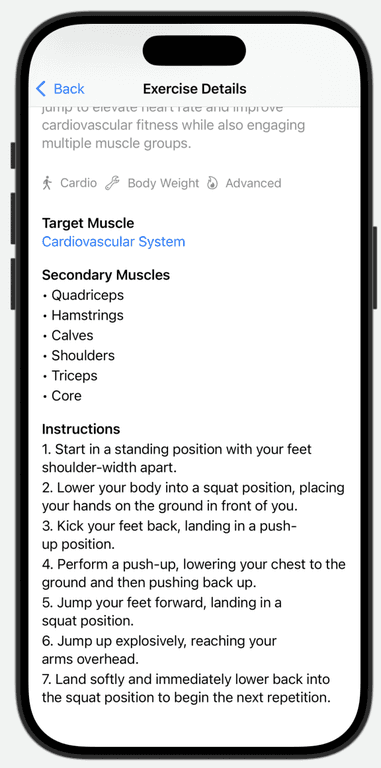
Instead of building something random, I wanted to create something that was not only useful but also beautiful and that’s how AmbiPlay was born: a fitness helper app where users can explore exercises for different body parts, get detailed instructions, and view animated GIFs for form guidance.
Coming from a Flutter background, where Material Design is the default and deep UI customization is second nature, I expected SwiftUI to require similar effort. But to my surprise, Apple’s Human Interface Guidelines (HIG) completely changed how I thought about UI design.
SwiftUI made the whole experience feel smooth, elegant, and effortless. It was like working with a UI that already knew how to be beautiful like a beautiful lady who doesn’t need no makeup. It just… worked. And it completely reshaped my perspective on design principles, platform defaults, and user experience.