When Should You Move from Legacy Software or Other Software to ERP? A Practical Guide for Growing Businesses
|
Ambibuzz Team
Introduction
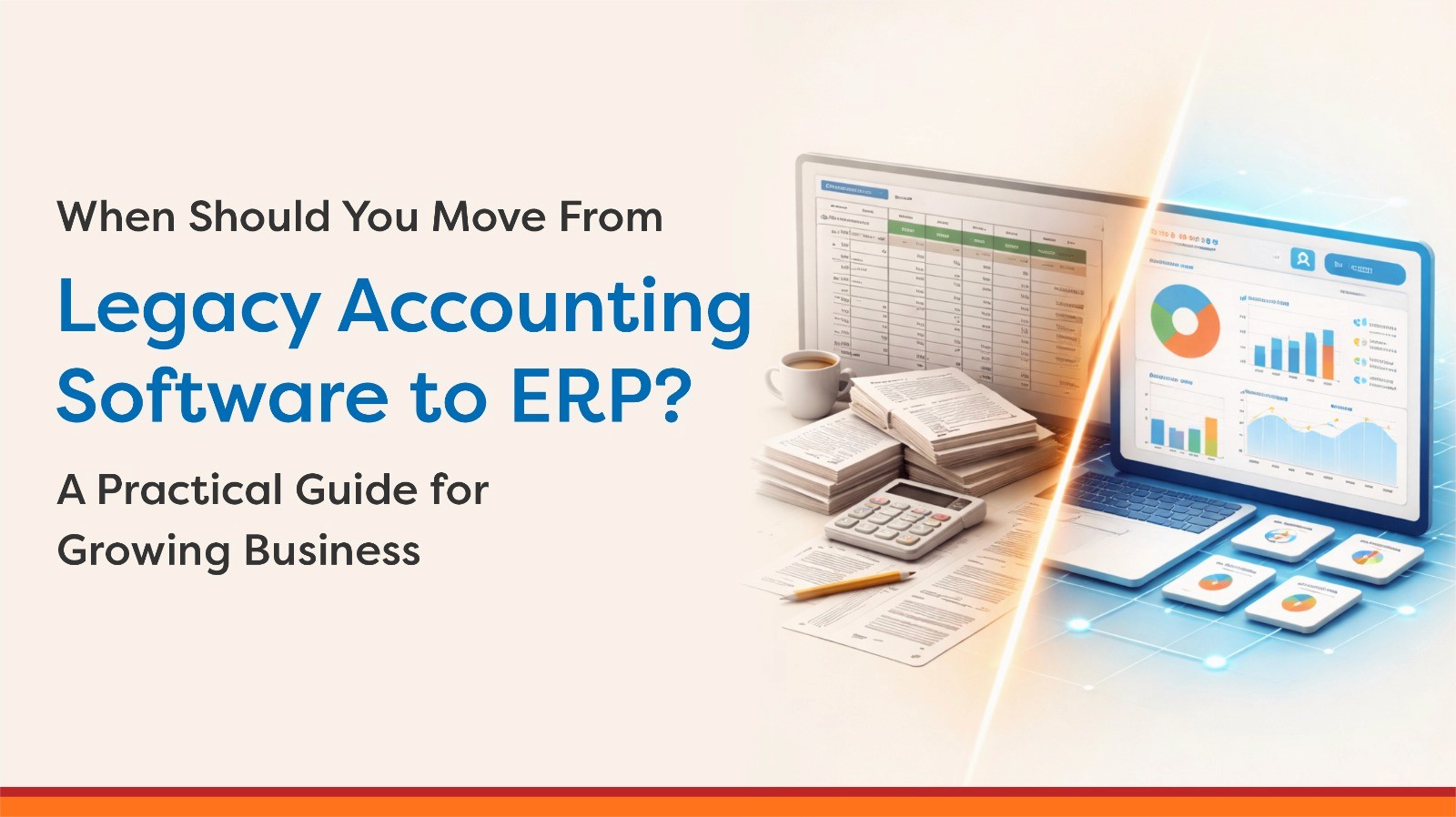
Many businesses start with Legacy Software or other software tools that are simple, cost-effective, and easy to manage. However, as businesses grow, the same systems that once worked well can start creating friction. These tools were never designed to manage end-to-end operations.
This guide helps businesses identify when they’ve outgrown Leagacy Software or other software and why transitioning to ERP (Enterprise Resource Planning) is necessary for scalable growth and improved operational efficiency.
Table Of Content
The Reality: Why Businesses Continue Using Legacy Software or Other Software for Too Long
Key Signs You Have Outgrown Legacy Software or Other Software
Understanding the Limitations of Legacy Software and Other Software
The Cost of Delaying ERP Adoption
When Moving to ERP Becomes a Strategic Decision
What Changes After Moving to ERP
Common Mistakes While Transitioning to ERP
A Practical Decision Framework
ERP Selection Based on Business Stage
Key Takeaways
Legacy Software and other software are great for initial phases but lack integration, automation, and real-time data.
ERP adoption improves data centralization, inventory management, and process automation.
Businesses typically need ERP when they face issues like manual data handling, stock mismatches, and delayed decision-making.
ERP isn’t just a software upgrade—it’s a strategic investment in future growth, improved efficiency, and enhanced decision-making.
The Reality: Why Businesses Continue Using Legacy Software or Other Software for Too Long
Many businesses continue using Leagacy Software and other software because their current systems appear to work. Legacy Software is flexible, and other software can handle specific tasks well. Teams are familiar with both tools, and there’s no immediate pressure to change.
However, these tools are task-based and were not designed for complete business operations. As companies grow, gaps begin to appear gradually, causing inefficiencies that accumulate over time.
The Shift Point: When Operations Become System-Dependent
The need for ERP doesn’t arise when your systems break completely. It becomes critical when:
Processes become dependent on multiple files and manual coordination.
Teams spend more time managing data than using it for decision-making.
Decision-making slows down due to a lack of real-time information.
At this stage, businesses are no longer tool-driven but system-dependent, which is where ERP becomes relevant.
Key Signs You Have Outgrown Legacy Software or Other Software
Instead of asking “Should we move to ERP?”, consider evaluating current business problems. Here are the common signs your business needs ERP:
Area | What You Experience | What It Indicates |
Data Management | Multiple legacy software files, version confusion | Lack of a centralized system |
Inventory | Stock mismatches, no real-time visibility | Poor inventory control |
Reporting | Delayed or manually created reports | No real-time insights |
Coordination | Frequent follow-ups between teams | Disconnected processes |
Errors | Repetitive manual mistakes | Lack of automation |
Scalability | Difficulty handling increased volume | System limitations |
Summary:
If your business heavily relies on manual coordination and scattered data, it’s time to transition from Leagacy Software and other software to ERP.
Understanding the Limitations of Legacy Software and Other Software
Legacy Software and other software are excellent for specific tasks but fall short when it comes to complete business management.
Function | Legacy Software | Other Software | ERP |
Data Centralization | No | Limited | Yes |
Real-time Updates | No | Partial | Yes |
Inventory Management | Manual | Basic | Advanced |
Multi-user Collaboration | Risky | Limited | Seamless |
Process Automation | No | Minimal | Extensive |
Business Integration | No | Limited | Complete |
Summary:
Legacy Software is good for data handling, and other software is effective for specific functions, but ERP is needed for complete business management.
The Cost of Delaying ERP Adoption
Delaying the adoption of ERP systems leads to increased hidden costs. Businesses often assume that continuing with Leagacy Software or other software saves money, but in reality, it increases inefficiencies and long-term costs.
Hidden Business Impact | Impact Without ERP |
Inventory | Excess stock or shortages |
Productivity | Time lost in manual work |
Decision-making | Delayed due to lack of data |
Customer Experience | Slower response and delivery |
Growth | Limited scalability |
Summary:
Delaying ERP adoption leads to hidden costs that reduce efficiency, slow decision-making, and hinder scalability.
When Moving to ERP Becomes a Strategic Decision
Transitioning to ERP should be a strategic decision, not a reactive one. Businesses typically reach the point where ERP is necessary when:
Operations or locations are expanding.
They need better control over inventory and production.
They require real-time reporting for faster decision-making.
They want to reduce manual processes.
At this stage, ERP is no longer an upgrade; it becomes a necessity for sustained business growth.
What Changes After Moving to ERP
Operational Transformation | Before ERP | After ERP |
Data | Scattered | Centralized |
Inventory | Approximate | Accurate |
Processes | Manual | Automated |
Reporting | Delayed | Real-time |
Coordination | Dependent on people | System-driven |
Summary:
ERP systems centralize data and automate operations, improving accuracy, reporting, and overall efficiency.
Common Mistakes While Transitioning to ERP
Implementing ERP at the right time is crucial, but how businesses transition also plays a critical role in success. Common mistakes include:
Rushing into ERP without proper planning.
Failing to map processes before selecting ERP.
Choosing software without evaluating long-term scalability.
Proper planning, process mapping, and aligning software selection with business growth are essential for a successful transition.
How to Prepare for the Transition
A successful transition starts with clarity. Businesses should:
Identify core challenges.
Map existing processes.
Define clear ERP goals.
The focus should not be on just replacing tools, but on improving business operations for greater scalability.
A Practical Decision Framework
If your business answers “yes” to most of these questions, it’s time to consider ERP:
Question | Yes / No |
Are you managing multiple Legacy Software files? | |
Do you face inventory inaccuracies? | |
Is reporting delayed or manual? | |
Are teams dependent on constant follow-ups? | |
Is scaling operations becoming difficult? |
Summary:
If most answers are “yes,” the transition to ERP is no longer optional; it’s essential for continued business growth.
Conclusion.
Legacy Software and other software are excellent for basic operations but fall short as businesses scale. The right time to move to ERP is not when systems fail but when they begin to slow down growth.
ERP is a strategic investment that enhances business efficiency, scalability, and decision-making. Businesses that embrace ERP early can achieve better control, improve efficiency, and maintain growth. Those who delay risk falling behind due to increased inefficiencies and missed opportunities.
ERP Selection Based on Business Stage
Business Stage | Situation | Best Fit | Implementation Time | Compliance | Why It Works | Ideal For |
|---|---|---|---|---|---|---|
🟢 Growing Businesses | Outgrowing Legacy Software, expanding teams, increasing errors | Flexible, modular ERP systems | ~2–4 months | Strong (India-ready) | Brings structure while maintaining agility; connects inventory, sales, accounts & production | Businesses needing control without heavy complexity |
🚀 Scaling Companies | Data scattered, processes not aligned, delayed decisions | Highly customizable, ecosystem-driven ERPs | ~3–6 months | Strong (configured via experts) | Deep customization across workflows, CRM, operations & reporting | Fast-growing businesses needing flexibility |
🏭 Structured Enterprises | Process-driven, multi-location, export-focused | Enterprise-grade ERP systems | ~6–9 months | Global standards | Strong governance, audit trails, and standardized operations | Businesses prioritizing stability & global scale |
⚡ Small Businesses | Focus on billing, GST, and basic accounting | Lightweight accounting tools | ~1 week | Excellent (financial compliance) | Quick setup, simple usage, minimal complexity | Businesses with simple operations |
Key Takeaways
Legacy Software and other software are great for initial phases but lack integration, automation, and real-time data.
ERP adoption improves data centralization, inventory management, and process automation.
Businesses typically need ERP when they face issues like manual data handling, stock mismatches, and delayed decision-making.
ERP isn’t just a software upgrade—it’s a strategic investment in future growth, improved efficiency, and enhanced decision-making.
The Reality: Why Businesses Continue Using Legacy Software or Other Software for Too Long
Many businesses continue using Leagacy Software and other software because their current systems appear to work. Legacy Software is flexible, and other software can handle specific tasks well. Teams are familiar with both tools, and there’s no immediate pressure to change.
However, these tools are task-based and were not designed for complete business operations. As companies grow, gaps begin to appear gradually, causing inefficiencies that accumulate over time.
The Shift Point: When Operations Become System-Dependent
The need for ERP doesn’t arise when your systems break completely. It becomes critical when:
Processes become dependent on multiple files and manual coordination.
Teams spend more time managing data than using it for decision-making.
Decision-making slows down due to a lack of real-time information.
At this stage, businesses are no longer tool-driven but system-dependent, which is where ERP becomes relevant.
Key Signs You Have Outgrown Legacy Software or Other Software
Instead of asking “Should we move to ERP?”, consider evaluating current business problems. Here are the common signs your business needs ERP:
Area | What You Experience | What It Indicates |
Data Management | Multiple legacy software files, version confusion | Lack of a centralized system |
Inventory | Stock mismatches, no real-time visibility | Poor inventory control |
Reporting | Delayed or manually created reports | No real-time insights |
Coordination | Frequent follow-ups between teams | Disconnected processes |
Errors | Repetitive manual mistakes | Lack of automation |
Scalability | Difficulty handling increased volume | System limitations |
Summary:
If your business heavily relies on manual coordination and scattered data, it’s time to transition from Leagacy Software and other software to ERP.
Understanding the Limitations of Legacy Software and Other Software
Legacy Software and other software are excellent for specific tasks but fall short when it comes to complete business management.
Function | Legacy Software | Other Software | ERP |
Data Centralization | No | Limited | Yes |
Real-time Updates | No | Partial | Yes |
Inventory Management | Manual | Basic | Advanced |
Multi-user Collaboration | Risky | Limited | Seamless |
Process Automation | No | Minimal | Extensive |
Business Integration | No | Limited | Complete |
Summary:
Legacy Software is good for data handling, and other software is effective for specific functions, but ERP is needed for complete business management.
The Cost of Delaying ERP Adoption
Delaying the adoption of ERP systems leads to increased hidden costs. Businesses often assume that continuing with Leagacy Software or other software saves money, but in reality, it increases inefficiencies and long-term costs.
Hidden Business Impact | Impact Without ERP |
Inventory | Excess stock or shortages |
Productivity | Time lost in manual work |
Decision-making | Delayed due to lack of data |
Customer Experience | Slower response and delivery |
Growth | Limited scalability |
Summary:
Delaying ERP adoption leads to hidden costs that reduce efficiency, slow decision-making, and hinder scalability.
When Moving to ERP Becomes a Strategic Decision
Transitioning to ERP should be a strategic decision, not a reactive one. Businesses typically reach the point where ERP is necessary when:
Operations or locations are expanding.
They need better control over inventory and production.
They require real-time reporting for faster decision-making.
They want to reduce manual processes.
At this stage, ERP is no longer an upgrade; it becomes a necessity for sustained business growth.
What Changes After Moving to ERP
Operational Transformation | Before ERP | After ERP |
Data | Scattered | Centralized |
Inventory | Approximate | Accurate |
Processes | Manual | Automated |
Reporting | Delayed | Real-time |
Coordination | Dependent on people | System-driven |
Summary:
ERP systems centralize data and automate operations, improving accuracy, reporting, and overall efficiency.
Common Mistakes While Transitioning to ERP
Implementing ERP at the right time is crucial, but how businesses transition also plays a critical role in success. Common mistakes include:
Rushing into ERP without proper planning.
Failing to map processes before selecting ERP.
Choosing software without evaluating long-term scalability.
Proper planning, process mapping, and aligning software selection with business growth are essential for a successful transition.
How to Prepare for the Transition
A successful transition starts with clarity. Businesses should:
Identify core challenges.
Map existing processes.
Define clear ERP goals.
The focus should not be on just replacing tools, but on improving business operations for greater scalability.
A Practical Decision Framework
If your business answers “yes” to most of these questions, it’s time to consider ERP:
Question | Yes / No |
Are you managing multiple Legacy Software files? | |
Do you face inventory inaccuracies? | |
Is reporting delayed or manual? | |
Are teams dependent on constant follow-ups? | |
Is scaling operations becoming difficult? |
Summary:
If most answers are “yes,” the transition to ERP is no longer optional; it’s essential for continued business growth.
Conclusion.
Legacy Software and other software are excellent for basic operations but fall short as businesses scale. The right time to move to ERP is not when systems fail but when they begin to slow down growth.
ERP is a strategic investment that enhances business efficiency, scalability, and decision-making. Businesses that embrace ERP early can achieve better control, improve efficiency, and maintain growth. Those who delay risk falling behind due to increased inefficiencies and missed opportunities.
ERP Selection Based on Business Stage
Business Stage | Situation | Best Fit | Implementation Time | Compliance | Why It Works | Ideal For |
|---|---|---|---|---|---|---|
🟢 Growing Businesses | Outgrowing Legacy Software, expanding teams, increasing errors | Flexible, modular ERP systems | ~2–4 months | Strong (India-ready) | Brings structure while maintaining agility; connects inventory, sales, accounts & production | Businesses needing control without heavy complexity |
🚀 Scaling Companies | Data scattered, processes not aligned, delayed decisions | Highly customizable, ecosystem-driven ERPs | ~3–6 months | Strong (configured via experts) | Deep customization across workflows, CRM, operations & reporting | Fast-growing businesses needing flexibility |
🏭 Structured Enterprises | Process-driven, multi-location, export-focused | Enterprise-grade ERP systems | ~6–9 months | Global standards | Strong governance, audit trails, and standardized operations | Businesses prioritizing stability & global scale |
⚡ Small Businesses | Focus on billing, GST, and basic accounting | Lightweight accounting tools | ~1 week | Excellent (financial compliance) | Quick setup, simple usage, minimal complexity | Businesses with simple operations |
Table Of Content
The Reality: Why Businesses Continue Using Legacy Software or Other Software for Too Long
Key Signs You Have Outgrown Legacy Software or Other Software
Understanding the Limitations of Legacy Software and Other Software
The Cost of Delaying ERP Adoption
When Moving to ERP Becomes a Strategic Decision
What Changes After Moving to ERP
Common Mistakes While Transitioning to ERP
A Practical Decision Framework
ERP Selection Based on Business Stage
Table Of Content
The Reality: Why Businesses Continue Using Legacy Software or Other Software for Too Long
Key Signs You Have Outgrown Legacy Software or Other Software
Understanding the Limitations of Legacy Software and Other Software
The Cost of Delaying ERP Adoption
When Moving to ERP Becomes a Strategic Decision
What Changes After Moving to ERP
Common Mistakes While Transitioning to ERP
A Practical Decision Framework
ERP Selection Based on Business Stage
Popular Tags